
Confirmed for this version
Know the constraints before you commit
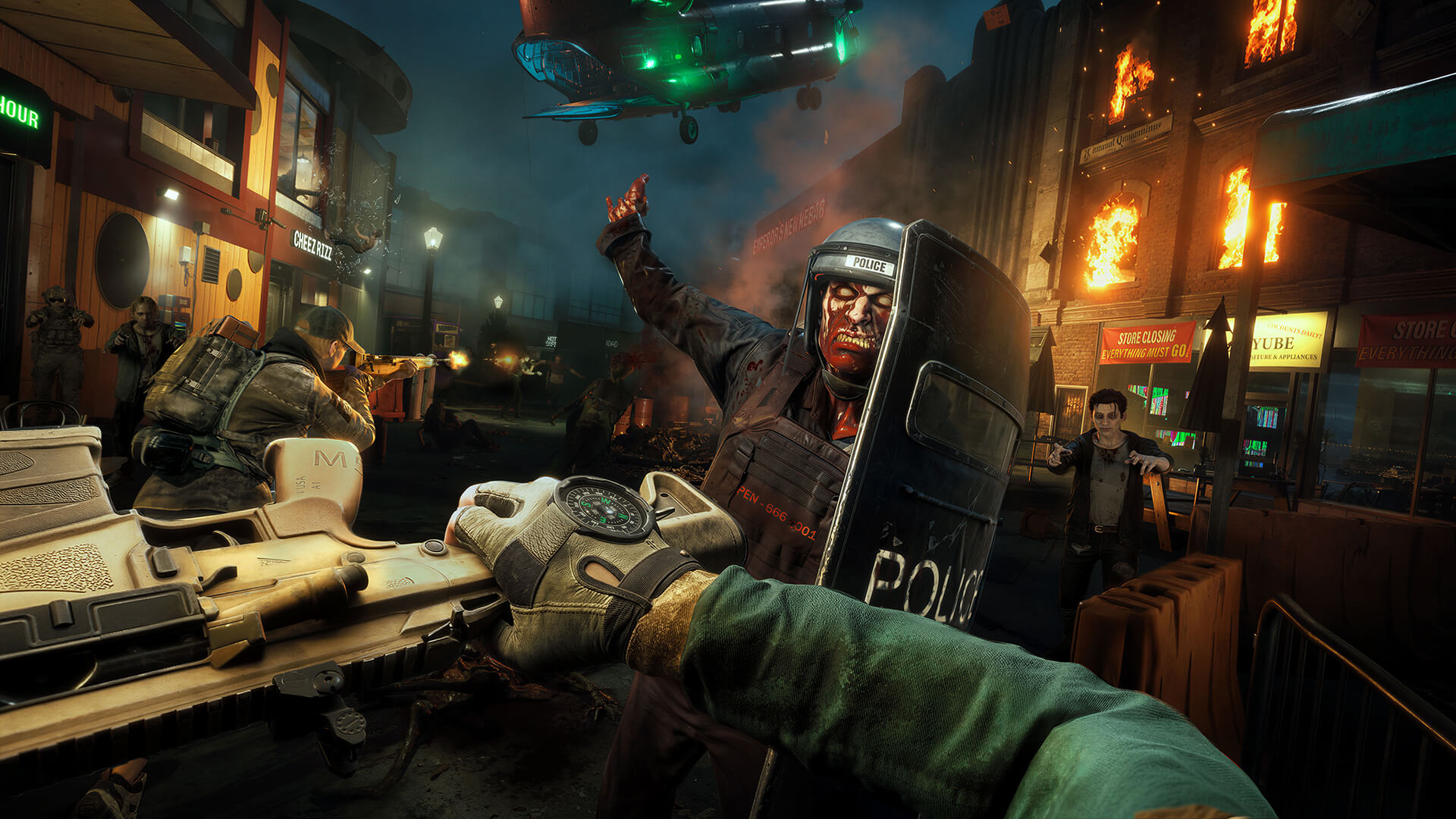 Official game image
Operational sequence
What to do in a live run
- 01Step 1
Confirm the platform mix
Before troubleshooting an invite or queue, verify that every player is on Windows PC, PlayStation 5 or Xbox Series X|S—the platforms listed by the official store.
Official notesS1 - 02Step 2
Align the crossplay setting
Ask each squad member whether crossplay is enabled. A mixed setting is a basic configuration issue to resolve before treating a wait as a service failure.
Official notes + field adviceS2 - 03Step 3
Use current notes for current queue behavior
The documented toggle adjustment is launch-week context, not a permanent promise about queue time. Check the latest official hotfix information after platform or game updates.
Official notesS2 - 04Step 4
Separate confirmed support from unknown account behavior
Cross-platform multiplayer is confirmed. If you need a promise about purchases, saves or cross-progression, wait for an explicit official account-policy statement rather than relying on similarly named features.
Field advice
Brief 01
Supported platforms
The official store lists Windows, PlayStation 5 and Xbox Series X|S. Cross-platform multiplayer is an advertised feature.
Brief 02
Launch-week setting caveat
The launch-week hotfix adjusted the crossplay toggle to improve matchmaking time for players who disabled crossplay. This is historical release context; consult newer official notes if queue behavior changes.
Before commitment
Run checklist
- Confirm every squad member is on a supported platform.
- Align crossplay settings before diagnosing queue time.
- Check current official hotfix notes after a platform update.
Decision support
Situation → action
| Situation | Action | Why |
|---|---|---|
| Friends are on PC, PS5 and Xbox | Enable crossplay and form one squad | The official store advertises cross-platform multiplayer across the listed platforms. |
| Queue feels unexpectedly slow | Check every player’s crossplay toggle first | The launch-week hotfix specifically addressed the setting for players who had disabled crossplay. |
| Need cross-progression certainty | Do not assume; wait for an explicit official policy | Crossplay evidence alone does not establish how accounts, purchases or saves carry over. |
FAQ / practical answers
Questions players ask before the next run
Which platforms support NMRiH2?
The official store lists Windows PC, PlayStation 5 and Xbox Series X|S.
Does NMRiH2 support crossplay?
Yes. Cross-platform multiplayer is listed as an official feature.
Why should my squad check the toggle?
The official launch-week hotfix adjusted this setting for players who disabled crossplay. Settings should be aligned before diagnosing queue behavior.
Does crossplay mean cross-progression is confirmed?
Not from the sources used on this page. Treat cross-progression, saves and purchases as unconfirmed until the developer publishes a specific policy.
What should I check after an update?
Check the latest official hotfix or update notes, then recheck platform and crossplay settings across the squad.
Updated for the version shown above. Open the sources panel for the related game notes.
Updates linked to this page
These updates may change the route, value or rule described on this page. Open a patch to see the affected area.