
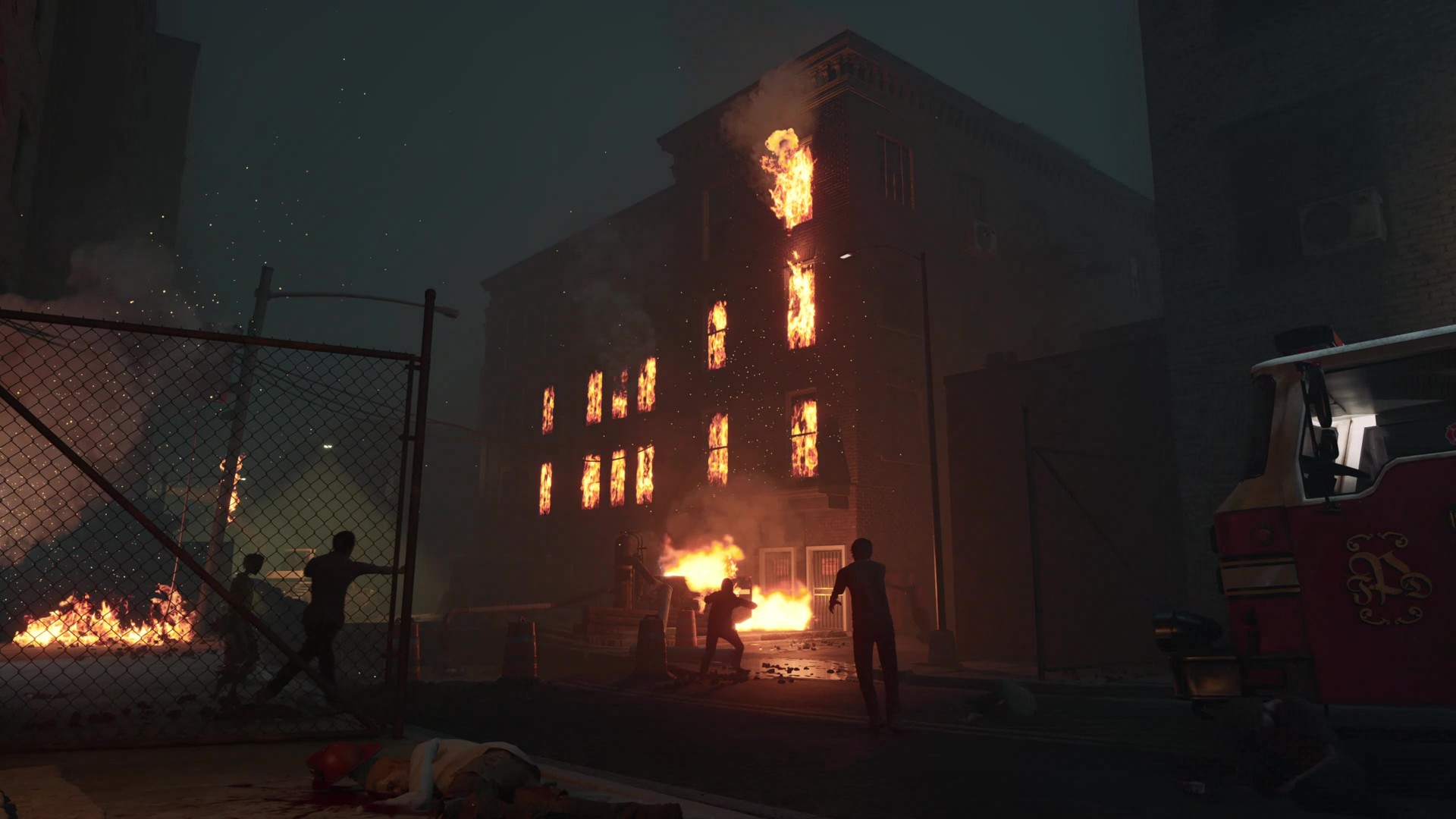
Mission profile
Read the route before deployment
- Mode
- Objective mission
- In-game name
- Pottsville
- Setting
- Pennsylvania town
- Documented stages
- 3 stages
- Game version
- Armageddon 1.0 / Resupply 1.1
Confirmed for this version
Know the terrain before the first push
- Scenario 1 opening
- Neighborhood → Downtown
- Scenario 2 opening
- Downtown rooftops
- Scenario 2 task chain
- Antennas → bodies → outskirts
- Antenna UI change
- Objective timer
Armageddon improves neighborhood markers and extends the Downtown antenna upload.
S1Resupply starts Responders together on rooftops and sends them toward outskirts extraction.
S3Align antennas for further access, then locate and burn the required bodies on the reverse run.
S3The 1.1 UI notes add a timer for the Pottsville antenna objective; read the live task before committing.
S3Field notes
- Neighborhood objective markers became more specific in 1.0.
- Downtown includes an extended antenna-upload holdout.
- Resupply 1.1 added Scenario #2: the squad spawns together directly on Downtown rooftops.
- Scenario #2 starts with antenna alignment to gain further map access. Resupply also adds a timer to the Pottsville antenna objective.
- Scenario #2 requires locating and incinerating infected NPV-26 corpses before reaching outskirts extraction.
Current mission details
Mission briefing
- Objective requirements scale with the number of players still in the match.
- Carryable objectives can appear farther away and in more varied locations than before 1.0.
- Rope extraction gives more time to escape, while Tier 3 weapons are weighted toward later mission stages.
Map action protocol
What to do when the run is live
- 01Step 1
- 02Step 2
Assign antenna interaction and cover
In Scenario 2, align antennas to gain further access. Let one player read the interaction and timer while others watch the approaches visible in this run; avoid sending everyone to search at once.
Official notes + field adviceS3 - 03Step 3
Confirm the required body before using an item
Locate the required bodies and read their current interaction prompts. Keep a cover player close while the objective player completes the task; do not assume an ordinary fire item substitutes for the required interaction.
Official notes + field adviceS3 - 04Step 4
Regroup for the outward extraction leg
Scenario 2 reverses the familiar route toward the outskirts. Recheck the current extraction marker and remaining resources before following a remembered Scenario 1 endpoint; stop optional searches when they separate the group.
Official notes + field adviceS3
Sequence
Objective flow
- 1
Armageddon made opening neighborhood markers specific, leading into the Midtown gate and Downtown holdout.
- 2
In Resupply 1.1 Scenario #2, Responders start together on Downtown rooftops. Align the antennas to gain access to the next part of the map; read the displayed objective timer. Assign an interaction player and a cover player before splitting up.
- 3
Continue from Downtown toward the outskirts, locate and burn the required bodies, then follow the current extraction objective.
Field advice
- Scenario #2 rooftop start: Assign antenna aligners immediately upon spawn; do not allow the squad to wander while the timer counts down.
- For Scenario #2, confirm the marked body and its current interaction prompt before spending a consumable. Keep one player on the task and one watching the approach; a fire-themed item name alone does not confirm it completes this objective.
- In Scenario 1, enter the antenna holdout with an agreed fallback lane and sufficient stamina to disengage.
Decision support
Situation → action
| Situation | Action | Why |
|---|---|---|
| Downtown rooftop start | Follow Scenario 2 antennas before the outward push | The reverse scenario opens access through antenna alignment.S3 |
| A body is visible but its task is unclear | Read the marked interaction and keep one cover player nearby | The objective requires particular bodies; item names do not establish the completion method.S3 |
| Old route memory conflicts with the HUD | Follow the current scenario marker and regroup | Scenario 1 advances toward Downtown; Scenario 2 reverses toward the outskirts.S3 |
Details pending
- Exact corpse spawn locations and the precise antenna timer duration are not officially published.
FAQ / practical answers
Questions players ask before deployment
How do I recognise Pottsville Scenario 2?
Responders start together on Downtown rooftops, then align antennas to gain access and work outward. Read the opening task before using a neighborhood-first route from Scenario 1.S1S3
What is the Scenario 2 objective order?
The official outline is rooftop start, antenna alignment, locating and burning required bodies, then outskirts extraction. The live HUD supplies the current interaction and marker within that outline.S1S3
Should I save Molotovs to complete the body objective?
First read the required body’s interaction prompt. The announcement confirms the body-burning task but does not identify Molotovs, flare guns or fuel as interchangeable completion items. Keep your cover role ready while the interaction player checks.S1S3
Updates linked to this page
These updates may change the route, value or rule described on this page. Open a patch to see the affected area.
Change control
Version history
Resupply 1.1
Added Scenario #2 with Downtown rooftop spawn, timed antenna arrays, NPV-26 body burning and reverse outskirts extraction.
Armageddon 1.0
Clarified Neighborhood markers, lengthened the antenna holdout and revised extraction flow.